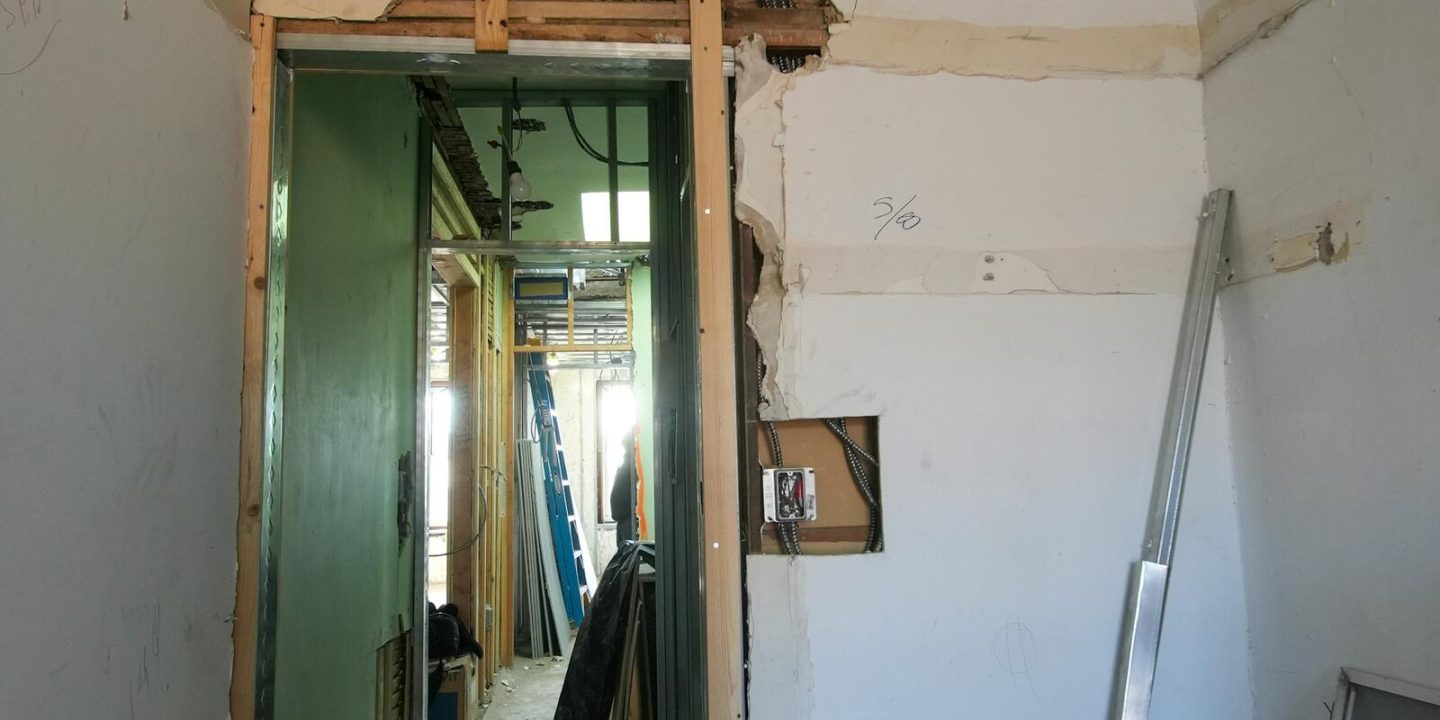
At some point most business websites start to feel tired. They’re slower than they should be, harder to update, a little dated and full of small annoyances. The instinctive reaction is often “we need a new website”. Sometimes that’s right. Often, it isn’t.
A rebuild is a significant investment of money and time. A repair can sometimes deliver most of the benefit for a fraction of the cost. This post offers a practical way to decide.
Start with the problem, not the solution
Before deciding anything, write down what’s actually wrong. Be specific. “It feels old” is a feeling; “it takes six seconds to load on mobile and our quote form doesn’t send emails” is a problem you can solve.
Common complaints fall into a few groups:
- Performance: the site is slow.
- Security and stability: it’s been hacked, breaks after updates or goes down.
- Editing: your team struggles to make simple changes.
- Design: it looks dated or no longer reflects the business.
- Function: it can’t do something you now need, such as online booking.
- Results: it doesn’t bring in enough enquiries.
Different problems point to different answers.
When a repair is usually enough
The site is slow
Speed problems are very often fixable without a rebuild. Oversized images, too many plugins, missing caching and weak hosting are common causes, and each can be addressed individually. A focused performance project can transform how a site feels.
It’s out of date technically
If WordPress, the theme and plugins are behind, a careful update and clean-up, tested on a staging copy, may be all that’s needed.
It’s been hacked
A thorough clean-up, closing the gap the attackers used and putting proper maintenance in place, is normally the right first step. Rebuilding doesn’t automatically make a site secure; good habits do.
The design is mostly fine
If the structure and look still work and only some pages feel dated, refreshing those pages, the typography or the imagery can modernize the site without starting over.
When a rebuild makes more sense
The foundations are the problem
If the site is built on a theme or page builder that’s no longer supported, or that’s so heavy that every speed improvement is a fight, you may be spending money propping up something that can’t be fixed. At some point, repairs cost more than replacement.
Nobody can safely change it
If the site is a patchwork of custom changes nobody understands, editing it is risky and expensive. A clean rebuild with clear documentation can reduce ongoing costs.
Your business has changed
If you’ve changed what you sell, who you sell to or how customers buy from you, the site’s structure may no longer fit. Rearranging content around an outdated structure rarely works well.
It can’t do what you need
If you need features the current setup can’t support well, such as customer accounts or complex booking, building them on shaky foundations can be more expensive than starting fresh.
The design undermines trust
If the site looks so dated that it actively hurts your credibility, and the structure underneath is also tired, a rebuild lets you fix both at once.
A simple way to weigh it up
For each option, estimate:
- Cost now: what will the repair or rebuild cost?
- Cost over two to three years: maintenance, workarounds, licences and future changes.
- Risk: what could go wrong, and what would that cost?
- Benefit: how much better will speed, editing, security and results be?
- Time: how long until you see the benefit?
Repairs usually win on cost now and time. Rebuilds often win on cost over several years when the foundations are poor. The right answer is whichever gives the best result over the period you care about.
A middle path: stabilize first, then decide
When a site is in trouble, it’s often wise to stabilize it first: secure it, update it, back it up and fix the urgent problems. That buys time to make a calm decision about the future, rather than rushing into a rebuild under pressure.
It also gives you real information. Once the noise is gone, it’s easier to see whether the site’s remaining problems are skin-deep or structural.
If you do rebuild
A rebuild is a chance to get the fundamentals right:
- Keep your web addresses where possible, or redirect old ones properly so you don’t lose search rankings and links.
- Build lean, with only the plugins and code you need.
- Design mobile-first and measure speed throughout, not just at the end.
- Make editing easy for the things your team actually changes.
- Plan for maintenance from day one.
Questions to ask whoever gives you advice
Whether you’re talking to your current developer or a new agency, a few questions help keep the advice honest:
- What specifically is wrong with the current site, and how did you measure it?
- What would a repair include, what would it cost and what would it not fix?
- If we rebuild, what happens to our existing content, web addresses and search rankings?
- What will maintenance cost afterwards, in either case?
Good advisers are comfortable recommending the smaller job when it’s the right one.
The takeaway
Don’t decide to rebuild because a site feels old. Decide based on specific problems, the health of the foundations and the total cost over the next few years. Many tired sites need a good repair; some genuinely need a fresh start. Stabilizing first often makes the choice clearer.
If you’d like an honest assessment, get in touch. We’ll tell you whether your site needs a repair, a rebuild through our development work or simply better care, and why.